
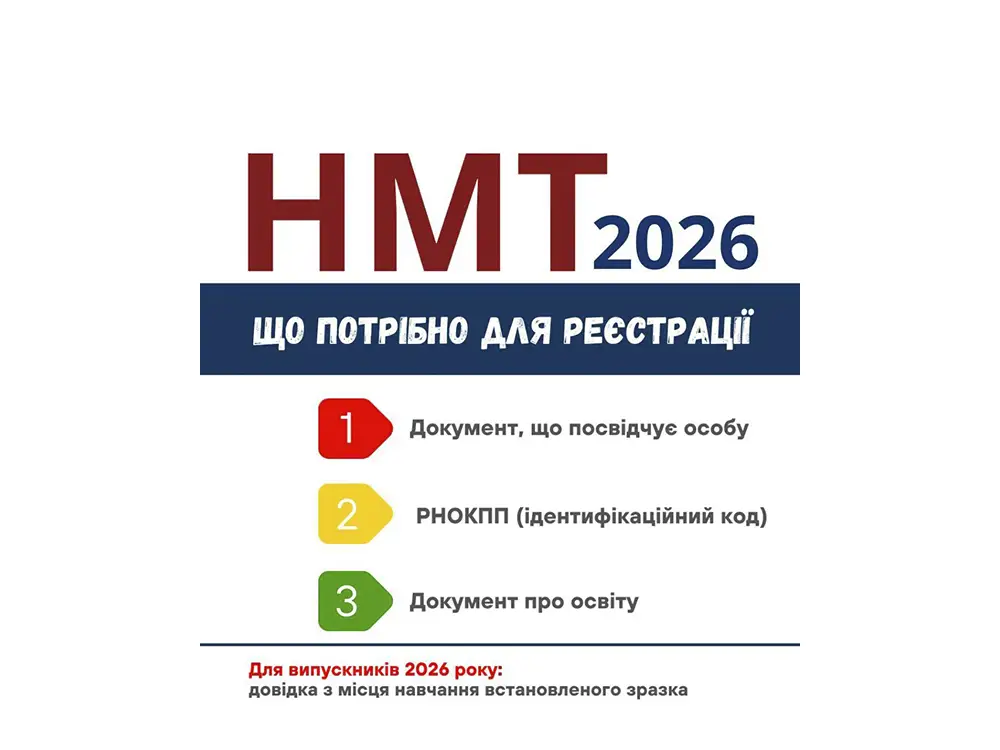
Registration for the National Multi-Subject Test (NMT) will be open from March 5 to April 2.
How to register?
March 5 on the UCEQA website
Applicants can create a personal account in two ways:
1. Automatically through the "Diya" application (you only need to upload a certificate from the place of study).
2. Manually, by filling out the form (upload copies of your ID, RNOKPP, and education certificate).
During registration, you must:
- specify personal data;
- choose a subject of your choice;
- determine the city of the test and the language of the exam;
- if necessary, indicate participation in an additional session or the need for special conditions;
- confirm registration and send documents for processing.
Until April 7, you can change some registration data: choice of subject, city of the test, or select an additional session.
If you need help, please contact us, let's open an office together: Khai Consulting Department 066 189 77 61 (there is a Telegram)